

 Version
 Update Time
 Category
 Size
Size Download(10.61MB)
 1.1
1.1
 23.76MB
Boeing 777 Aircraft controller for FlightGear Flight Simulator
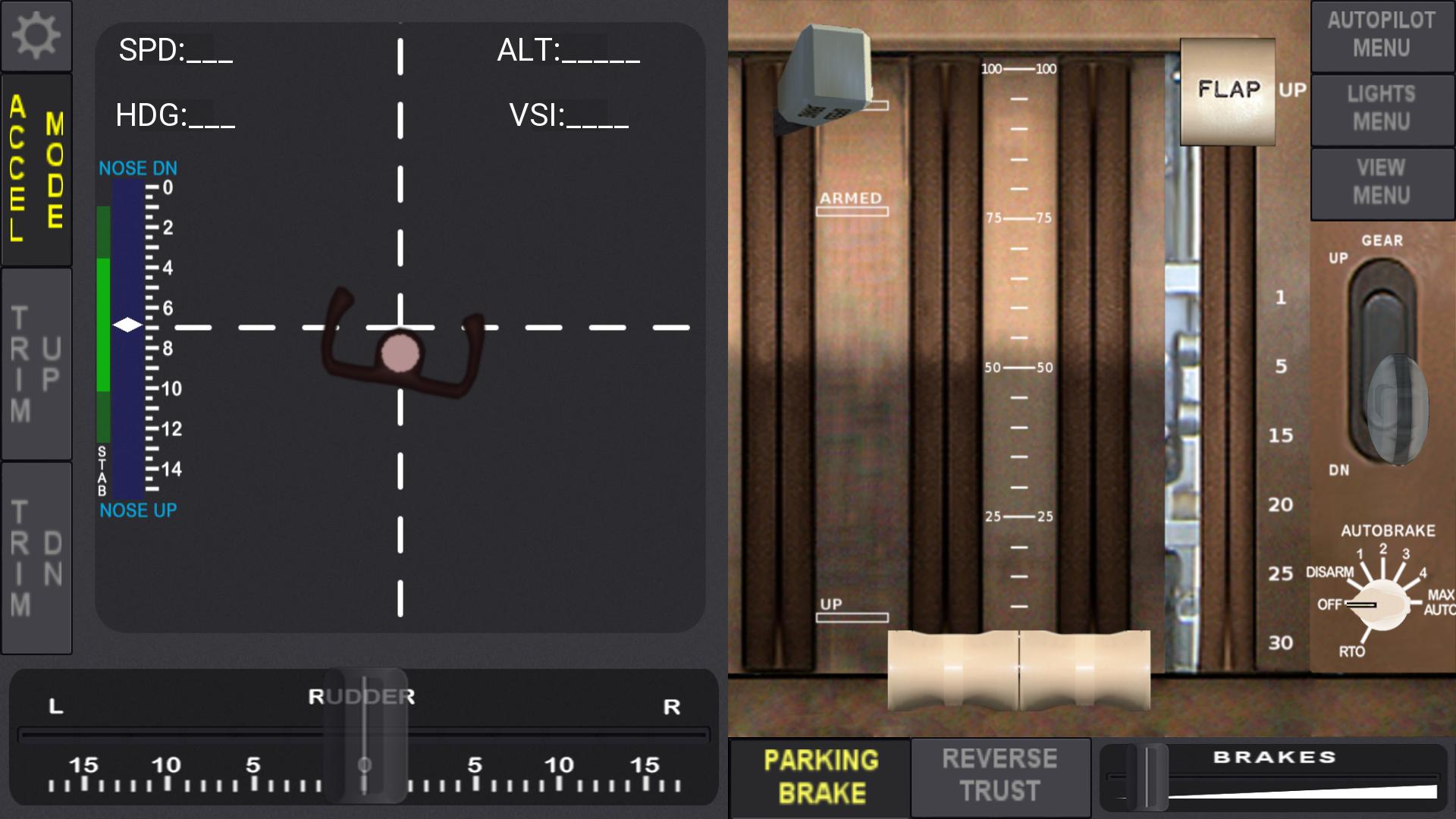
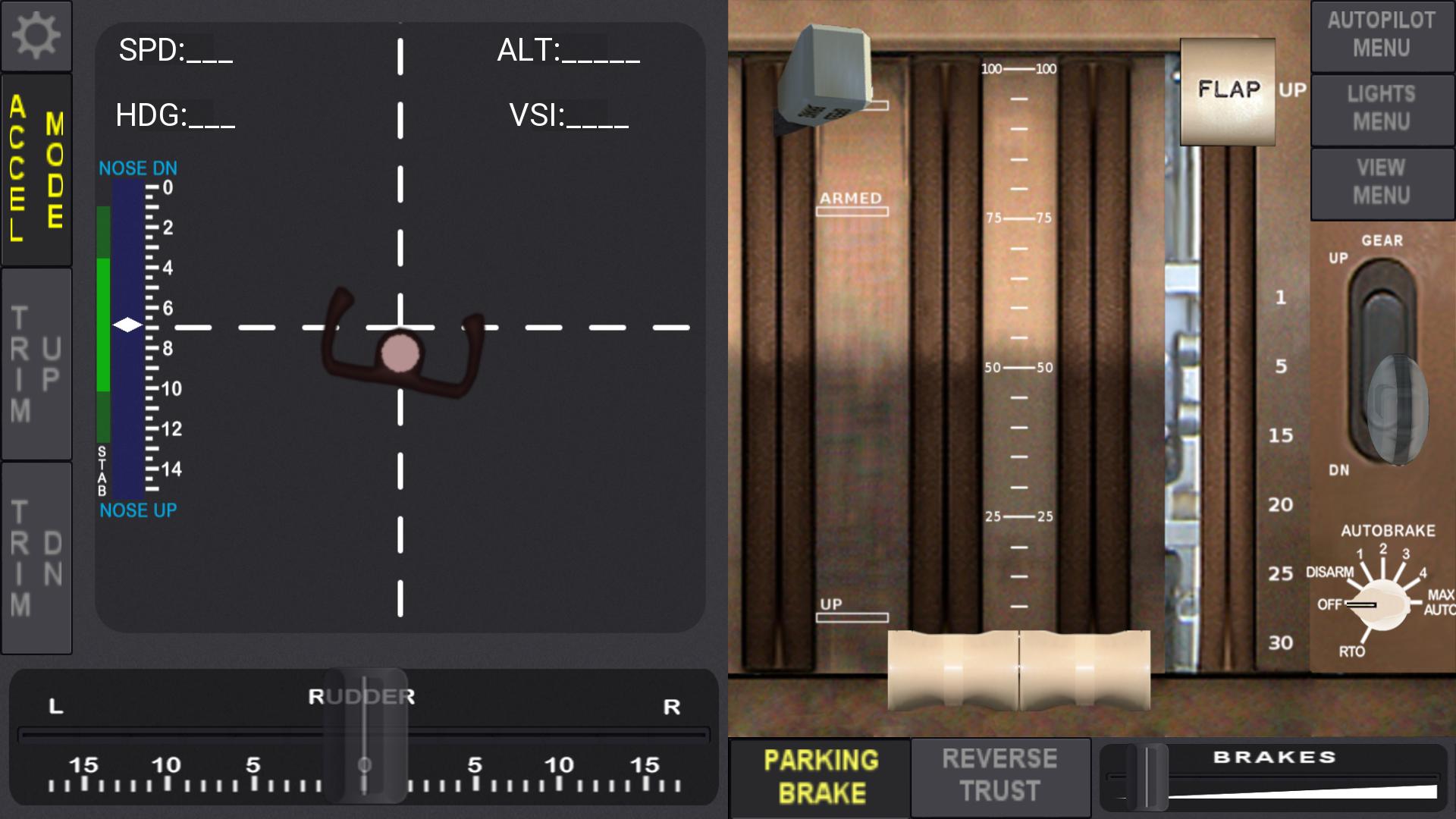
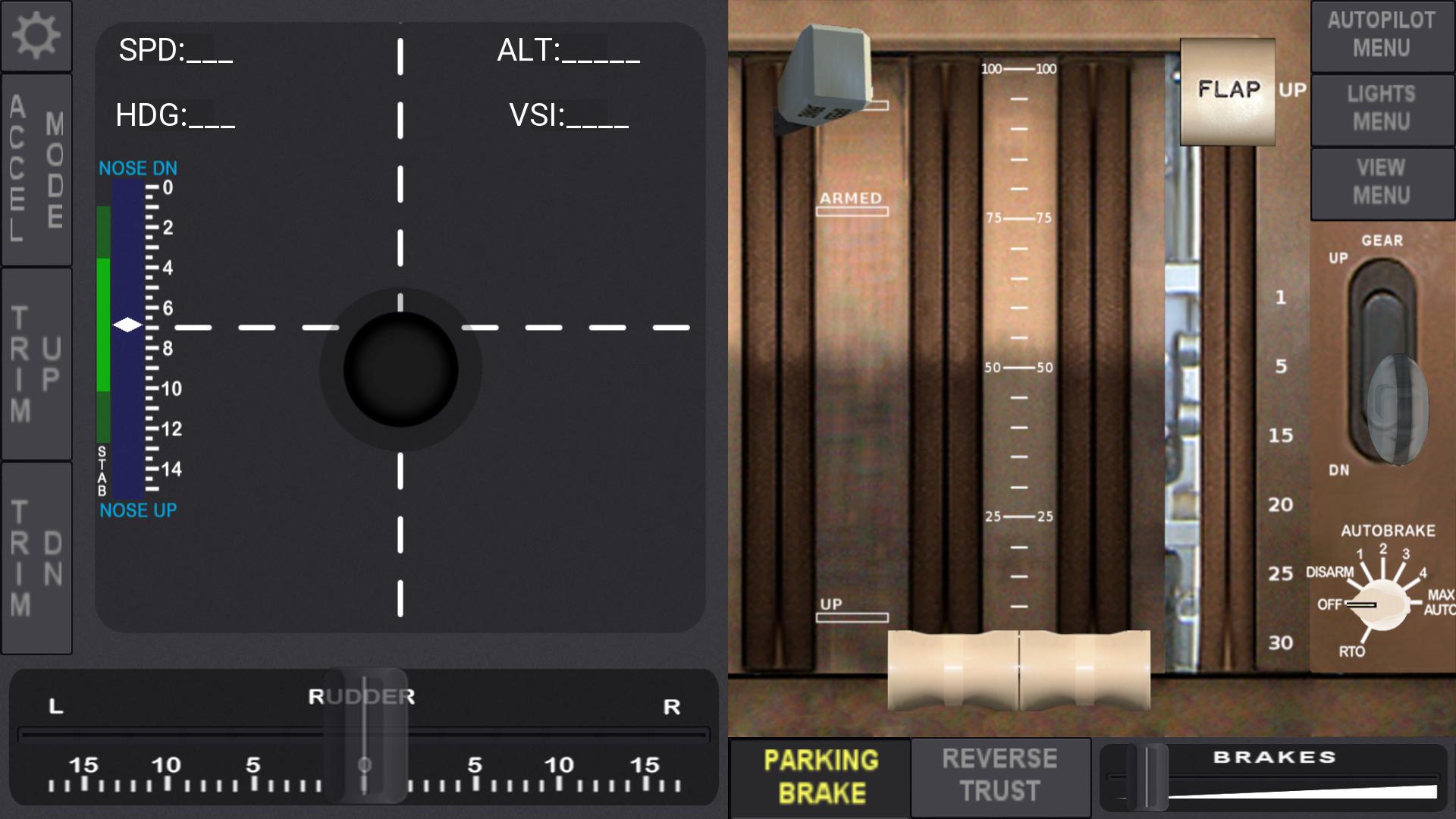
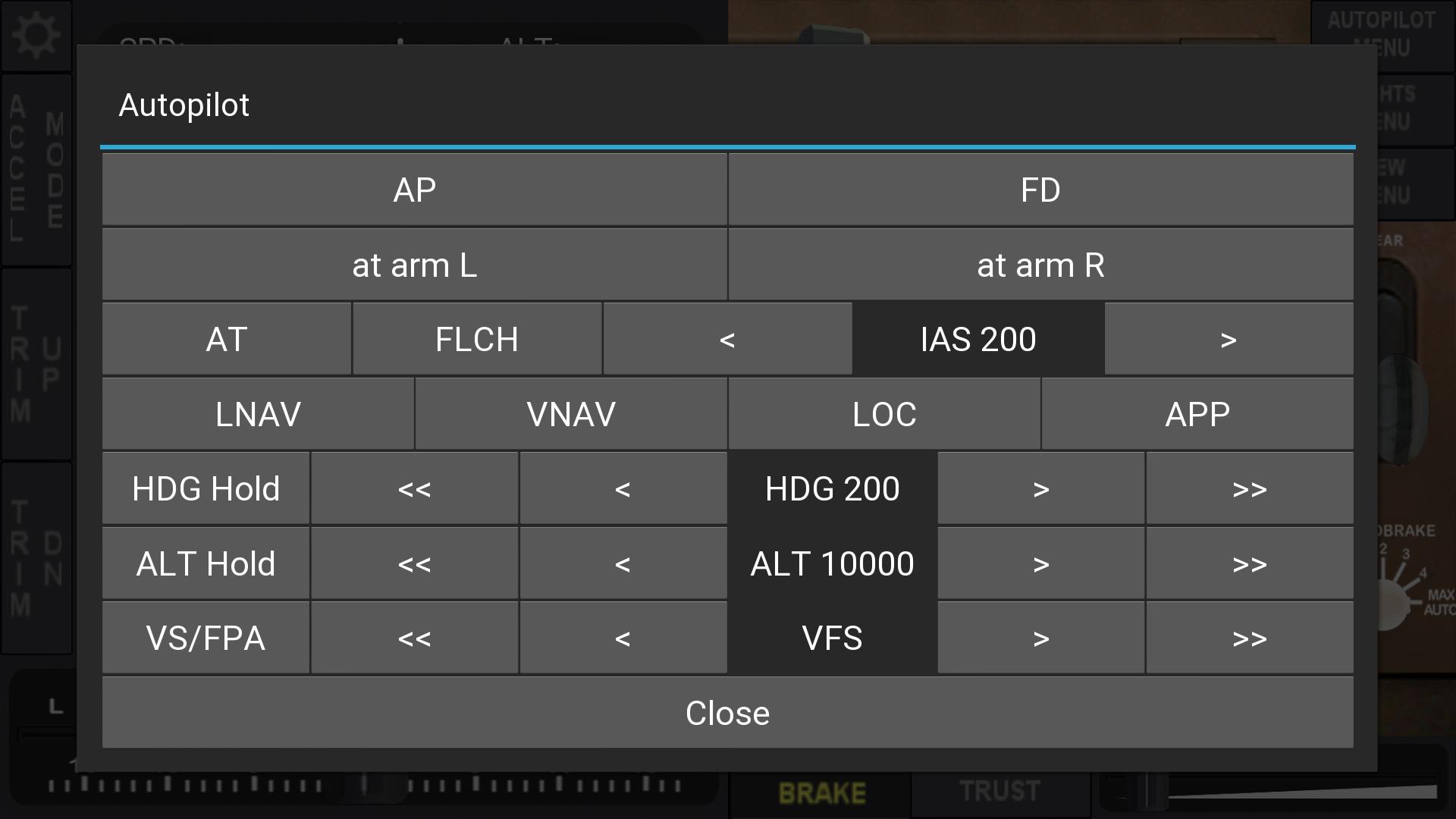
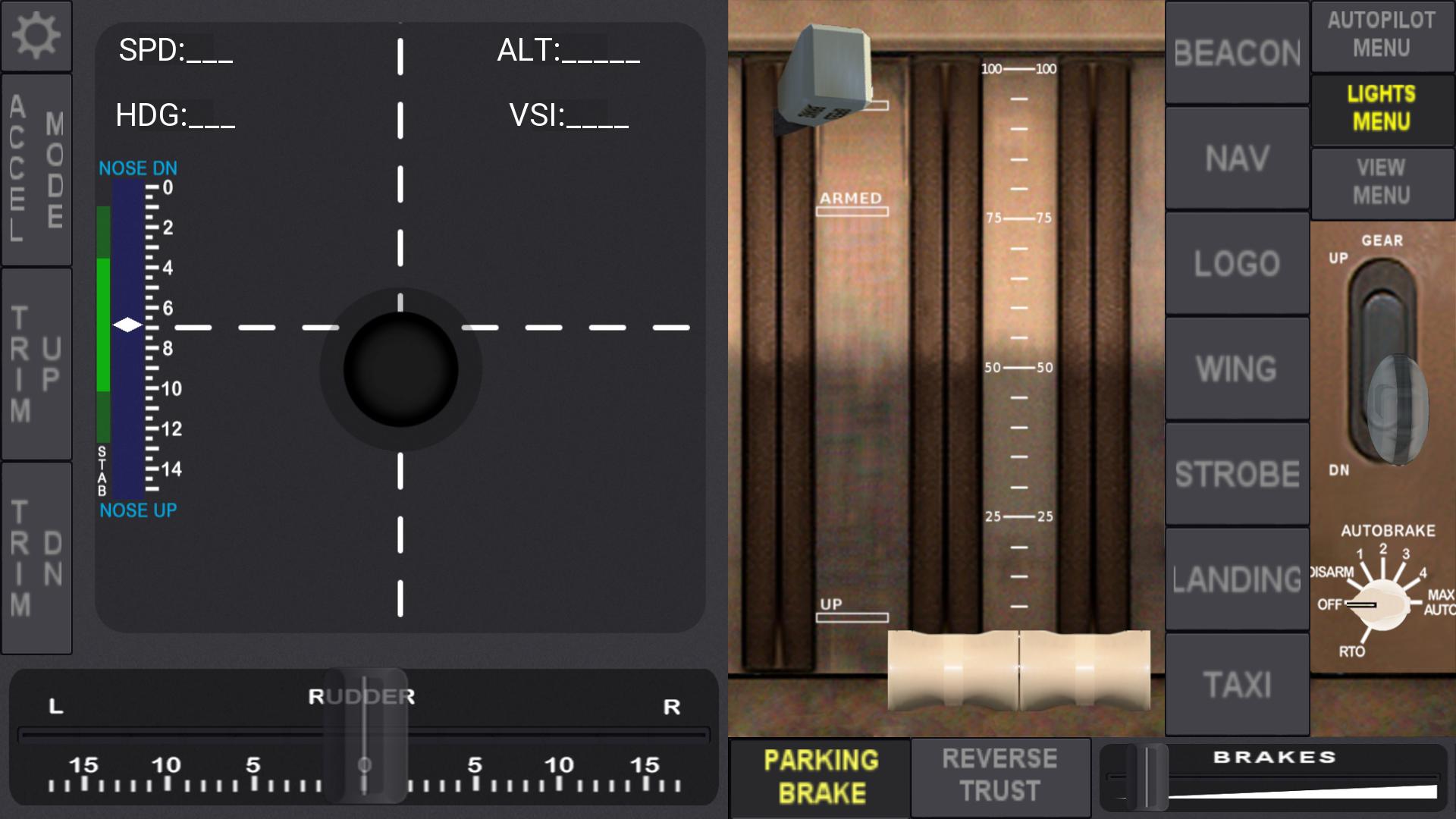
This application lets you control remotely over wireless network the Boeing 777 Airplane from the Flightgear Flight Simulator with your android device.
Before running the application please read configuration guide at http://wiki.flightgear.org/FG777Controller.
Control Features:
Steering with virtual pad or accelerometer
Elevator trim
Rudder
Throttle
Flaps
Speed brake
Gear
Parking brake
Reverse
brakes
auto brake
views
lights
autopilot
This are specific controllers for the Boeing 777, but it can be used to control other aircrafts for basic usage, like: steering,rudder, throttle (one or two engines), gear, brakes, lights.
Usage:
Please check the site http://wiki.flightgear.org/FG777Controller, for a more detailed configuration procedure
Copy the xml files (from_fg777controller.xml,to_fg777controller.xml) from the github repository at https://github.com/emcrispim/fg777controller/tree/master/xml and place in the FlightGear-installation-Directory/Protocol` directory
Run the FlighGear with the following configuration parameters:
From command line:
fgfs --generic=socket,in,20,,9009,udp,from_fgcontroller777 --generic=socket,out,5,android-device-ip,9010,udp,to_fgcontroller777 --telnet 9000
Or Use FGRun to set the required parameters via Advanced > Input/Output menu.
Obs: Change android-device-ip with your local IP Wi-Fi network device.
Go to the Settings (upper left corner button) and enter the IP of your computer running FlightGear
 Users also viewed
See all
Users also viewed
See all
updated
updated

updated

updated

updated

updated

updated
updated

updated
updated
updated

updated
 Popular Apps
See all
Popular Apps
See all
updated

updated
updated
updated

updated

updated

updated

updated

updated
updated
updated

updated