


 Version
 Update Time
 Category
 Size
Size Download(7.38MB)
 2.5.0
2.5.0
 4.92MB
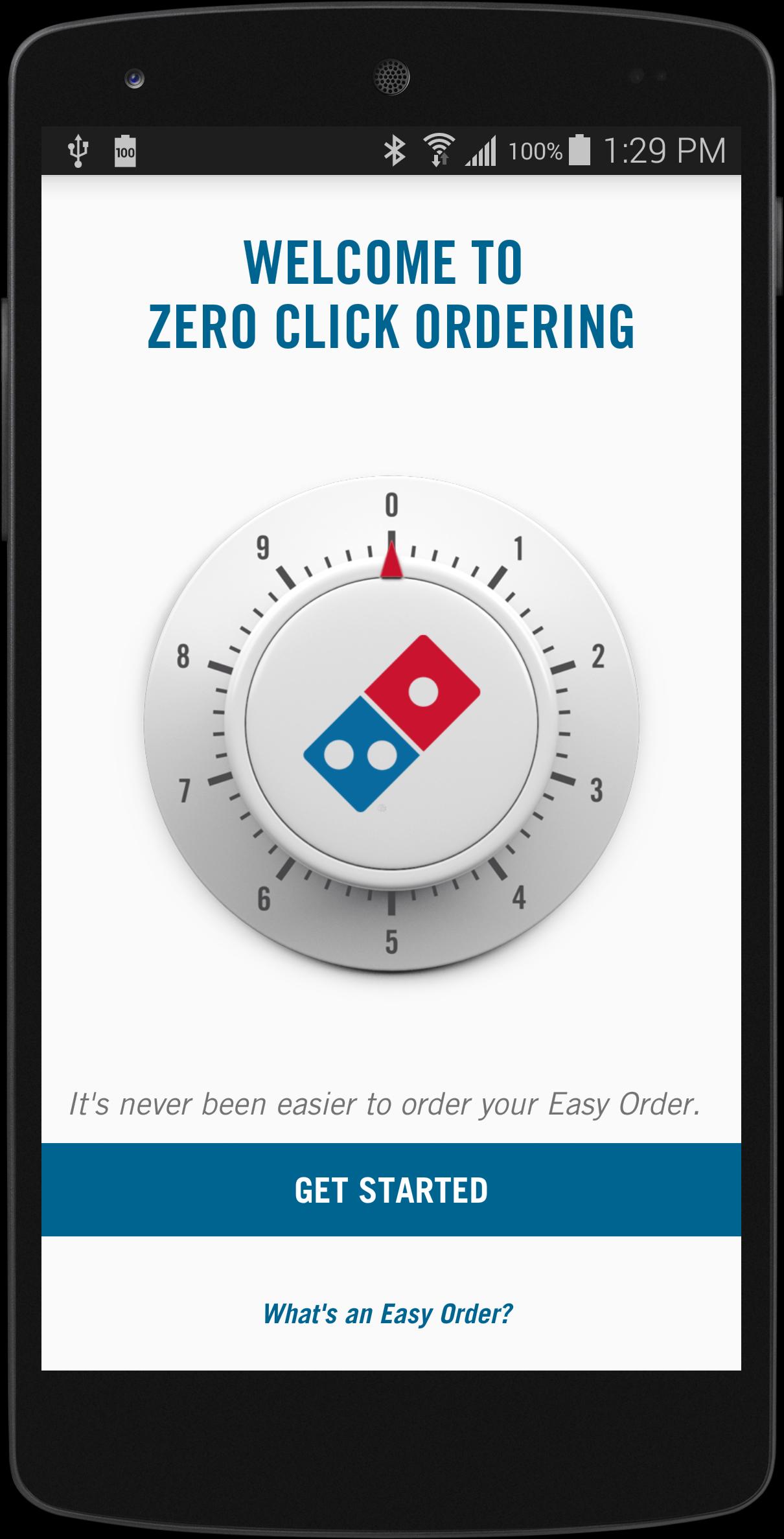
Introducing the Domino’s Zero Click app.
Introducing the Domino’s Zero Click app.
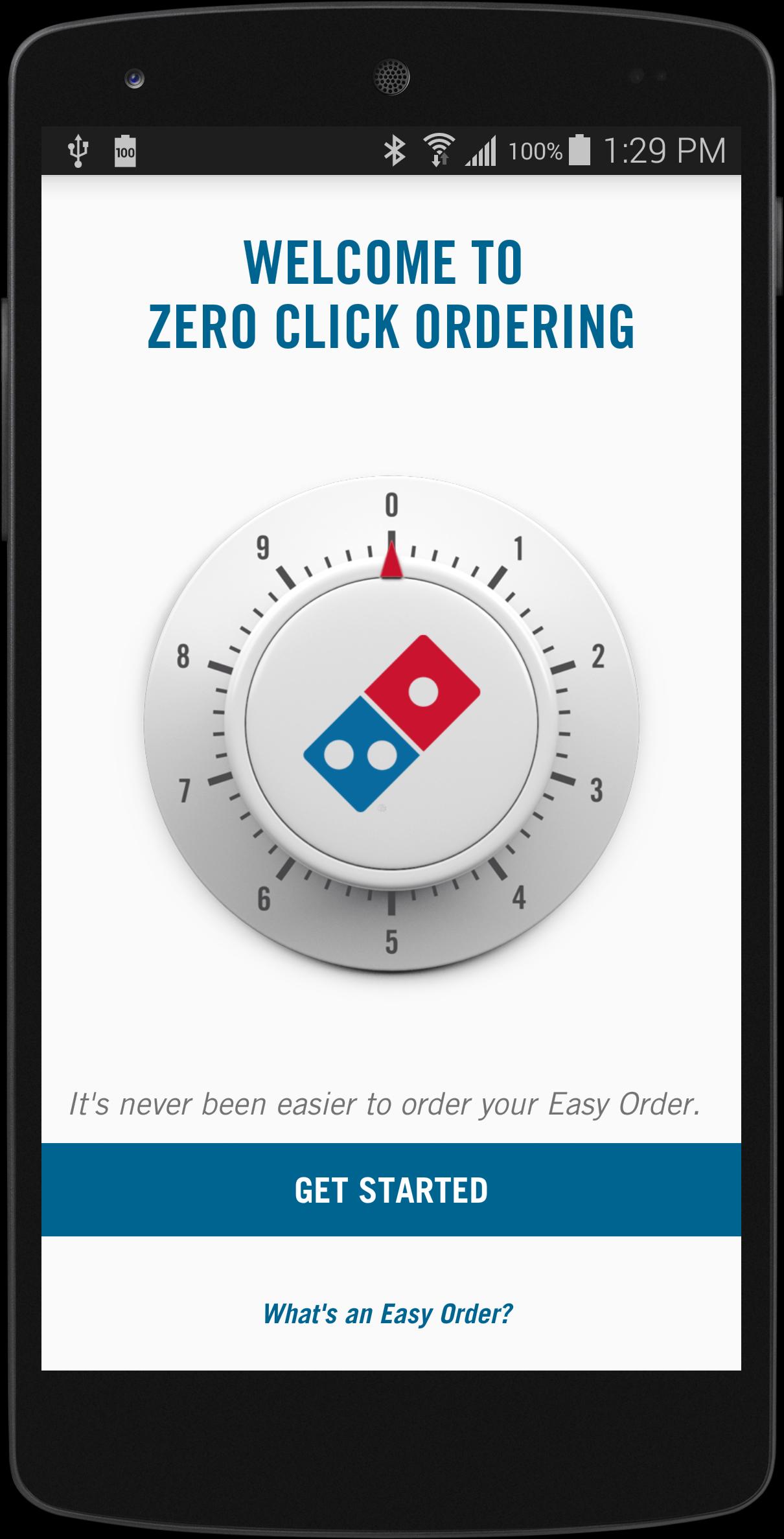
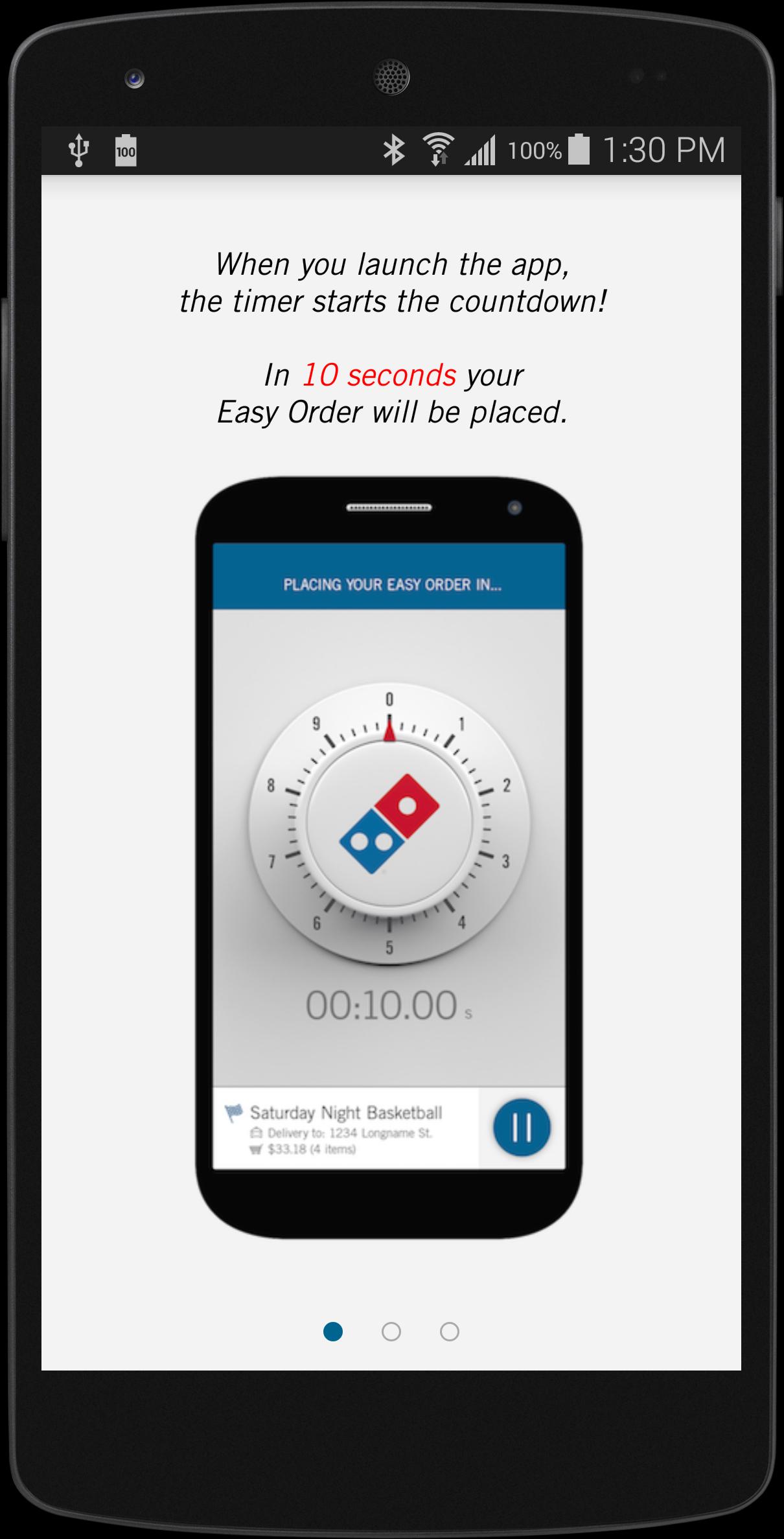
Simply open the app and, after a 10-second countdown, your Easy Order will automatically be placed. Zero Clicks needed. It's easy. Maybe too easy. You’ve been warned.
STEP-BY-STEP INSTRUCTIONS:
STEP 1
Make sure you have a Pizza Profile and an Easy Order.
STEP 2
Download the Zero Click Ordering app, then sign into your Pizza Profile.
STEP 3
Open the Zero Click Ordering app and let the countdown hit 00:00.00 to place your Easy Order.
STEP 4
Enjoy all the tastiness.
Learn more about the Domino’s Zero Click app and other Domino’s AnyWare technologies at Anyware.Dominos.com
 Users also viewed
See all
Users also viewed
See all
updated
updated
updated

updated

updated

updated
updated
updated
updated
updated
updated

updated
 Popular Games
See all
Popular Games
See all
updated
updated

updated
updated
updated
updated
updated
updated
updated
updated

updated
updated